
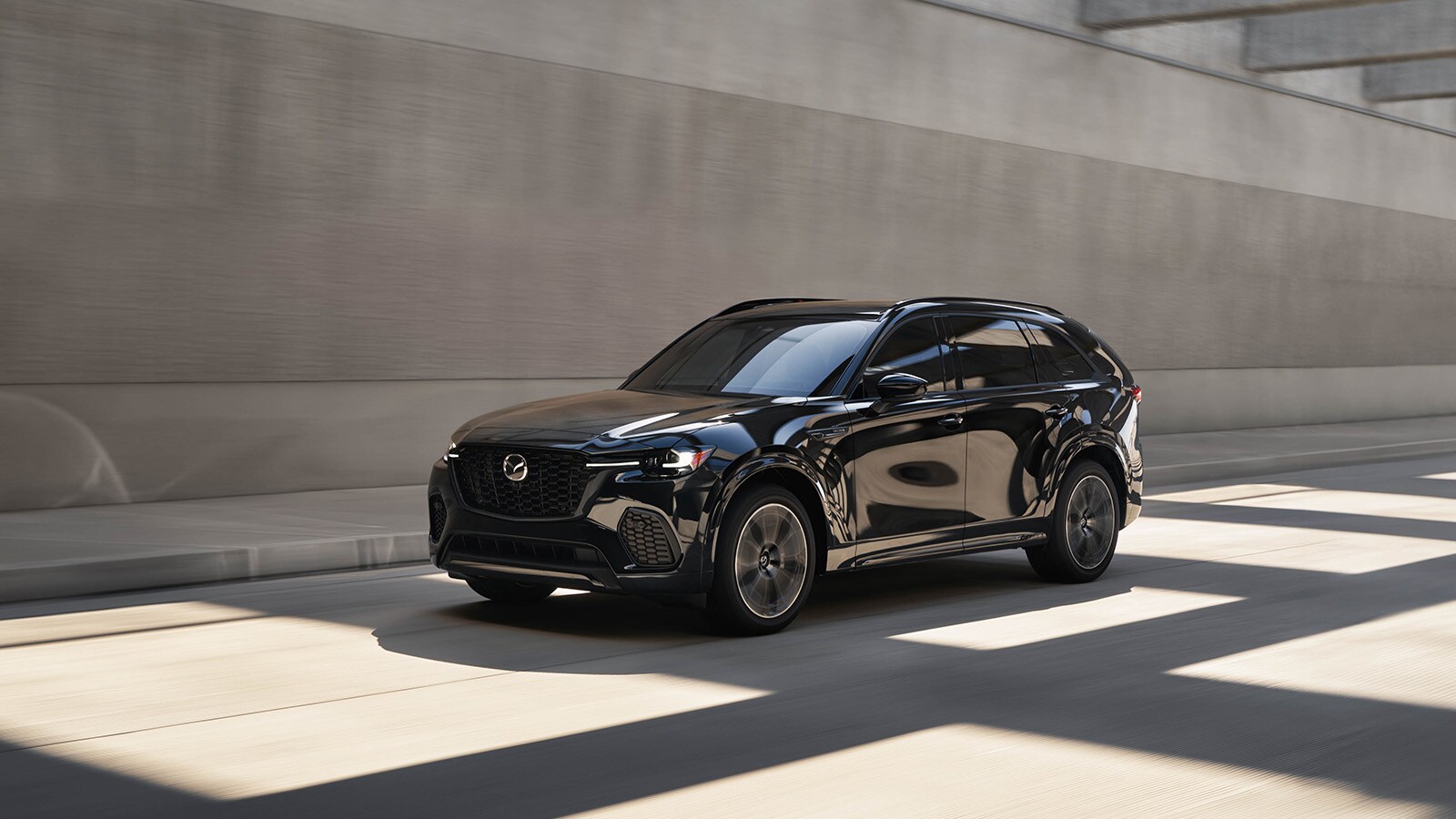
A line of cars can slow quickly when someone stops for a crosswalk or turns into a busy shopping plaza. For drivers around Wellesley, Mazda offers technology designed to help respond to certain developing collisions. Wellesley Mazda, part of our parent dealer group, Shaker Auto Group, can help you understand how Smart Brake Support, Mazda’s system that provides collision warnings and can apply the brakes automatically, works in the vehicles you’re considering.
Key Takeaways
- Smart Brake Support can warn you about a potential frontal collision and apply the brakes.
- Current Mazda models offer different combinations of standard and available Smart Brake Support functions.
- Pedestrian and cyclist detection depends on the vehicle, operating conditions, and detection limits.
- Weather, blocked sensors, and slippery pavement can affect detection or stopping performance.
How Automatic Braking Helps in Stop-and-Go Traffic
Smart Brake Support can intervene when it detects a potential collision ahead and its operating conditions are met. Sensors and cameras monitor supported objects, and Smart Brake Support evaluates whether your vehicle is approaching a collision risk. If that risk increases, it can apply the brakes to help avoid the impact or reduce its severity.
That can matter when traffic approaching a Wellesley intersection suddenly compresses. A vehicle ahead may brake while another driver waits to turn. Smart Brake Support is intended to help with a developing emergency, not handle each routine stop while you follow traffic.
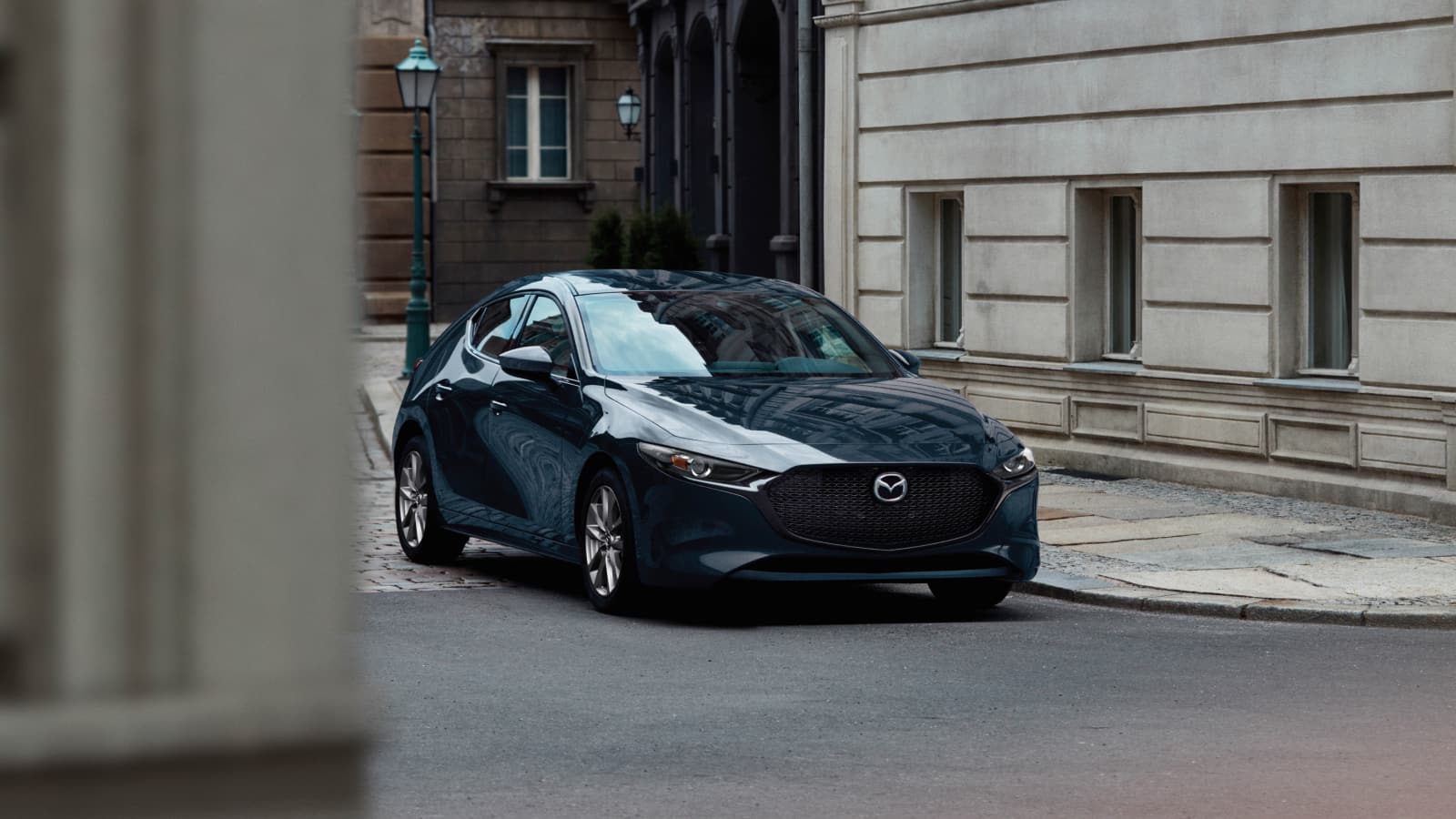
In a Mazda3 or CX-30, Smart Brake Support adds a layer of assistance to your own braking. Activation depends on factors such as speed, the object ahead, and the relative movement between vehicles. There is no single activation speed that describes every Mazda model or every detection function, so the equipped vehicle’s owner’s manual provides the applicable operating ranges.
What Is the Difference Between a Collision Warning and Automatic Braking?
A collision warning tells you to respond, while automatic emergency braking can physically slow the vehicle. With Smart Brake Support, a display message and warning sound can alert you to a predicted collision. If the collision risk increases, Smart Brake Support can apply brake control.
You should brake as needed rather than wait for intervention. A warning is not a promise that automatic braking will follow, and an automatic application does not guarantee the vehicle will stop before contact.
This distinction belongs in conversations about driver-assistance considerations for younger drivers because an alert and a braking response require different expectations. Whether someone is learning in a CX-30 or choosing a Mazda3 for commuting through Needham, Smart Brake Support supports attentive driving rather than taking responsibility for it.
Current Mazda Models and Trim Availability
Smart Brake Support is standard on current Mazda models including the Mazda3 and CX-30, but additional functions vary by model and trim. The important shopping distinction is between the standard forward-collision function and expanded coverage for other situations.
The CX-50 includes Smart Brake Support with pedestrian detection as standard equipment. The CX-5 also offers Smart Brake Support, although its equipment and operating details should be checked for the specific vehicle you’re comparing. These models give shoppers different sizes and layouts without requiring a move to a three-row SUV.
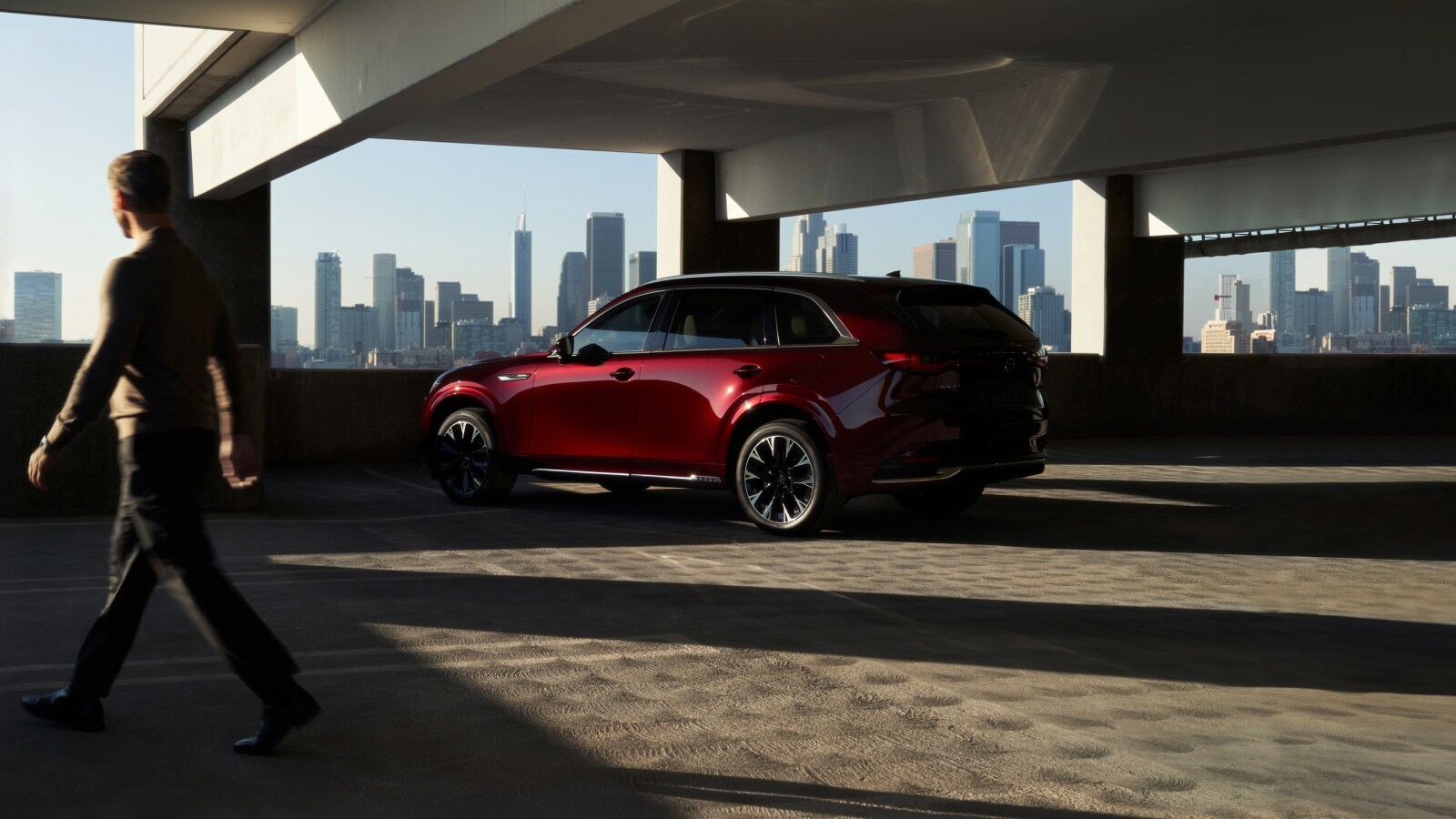
The CX-70 and CX-90 also include Smart Brake Support, with additional intersection-related functions available on selected configurations. Smart Brake Support Front Crossing, a function designed to brake for certain predicted collisions with vehicles crossing ahead, is one example of coverage that depends on equipment.
While browsing our current selection at Wellesley Mazda, compare models and trims to see which Smart Brake Support functions come on each vehicle. Our team can walk through the equipment details with you so the differences are clear before you choose.
Can the Vehicle Detect Pedestrians or Cyclists at Intersections?
Smart Brake Support can detect pedestrians and bicycles on appropriately equipped Mazda vehicles, within the conditions specified for that vehicle. For example, the CX-50’s forward-detection function includes pedestrians and bicycles among its supported objects. Detection still depends on speed, visibility, and the person’s position and movement.
A person emerging from behind a parked delivery vehicle in Newton may become visible only shortly before entering your path. Smart Brake Support may have less time to recognize that situation and respond. Pedestrian detection does not mean the vehicle can see around an obstruction or cover every direction at an intersection.
Smart Brake Support Turn-Across Traffic, a function designed to assist with certain predicted collisions while turning left across oncoming vehicles, addresses a different situation. On an equipped CX-90, it can provide a warning and automatic braking under specified conditions. Smart Brake Support Front Crossing addresses certain crossing-vehicle conflicts. Neither name should be treated as a blanket promise of pedestrian or cyclist protection throughout an intersection.
Conditions That Can Limit Automatic Braking
Poor visibility, blocked sensors, and limited tire grip can reduce how effectively Smart Brake Support detects a hazard or slows the vehicle. Rain, fog, snow, and dirt around sensing areas can interfere with detection. Ice or slippery pavement can also increase the distance needed to stop.
Around Wellesley, winter road spray and accumulating snow make clean sensing areas particularly relevant. Follow the vehicle’s owner’s manual for cleaning guidance and respond to messages indicating that a camera or sensor is obstructed.
Road geometry and sudden movements matter, too. A sharply curving road, partial overlap with the vehicle ahead, or an object entering your path abruptly can make detection more difficult. Even when Smart Brake Support activates, you remain responsible for braking and steering.
For shoppers comparing a CX-50 with a CX-70, we can explain the fitted equipment without attempting to trigger automatic braking during a test drive. A normal drive is the place to get comfortable with the vehicle’s visibility, controls, and everyday brake response.
How Braking Fits With Other Safety Features
Smart Brake Support addresses collision risks, while other systems perform separate jobs. Lane-keep Assist, Mazda’s system that can provide steering assistance when unintended lane departure is detected under supported conditions, does not replace braking for a stopped vehicle.
That distinction helps explain lane-support technology in suburban traffic without treating steering assistance and emergency braking as interchangeable. Each function has its own purpose and operating requirements.
When reviewing frontal crash testing and collision-risk considerations, it also helps to separate crash protection from crash avoidance. Frontal crash tests assess protection in specified impacts, while Smart Brake Support is designed to help avoid certain collisions or reduce their severity. Both are relevant when comparing vehicles, but they answer different questions.
Explore Mazda Vehicles in Wellesley
Visit Wellesley Mazda in Wellesley, part of the Shaker Auto Group, to explore our current inventory and schedule a test drive. We’ll help you compare available Mazda models and trims, explain their Smart Brake Support functions, and find a vehicle that fits your everyday drive.
*Penned by AI, polished by humans
