
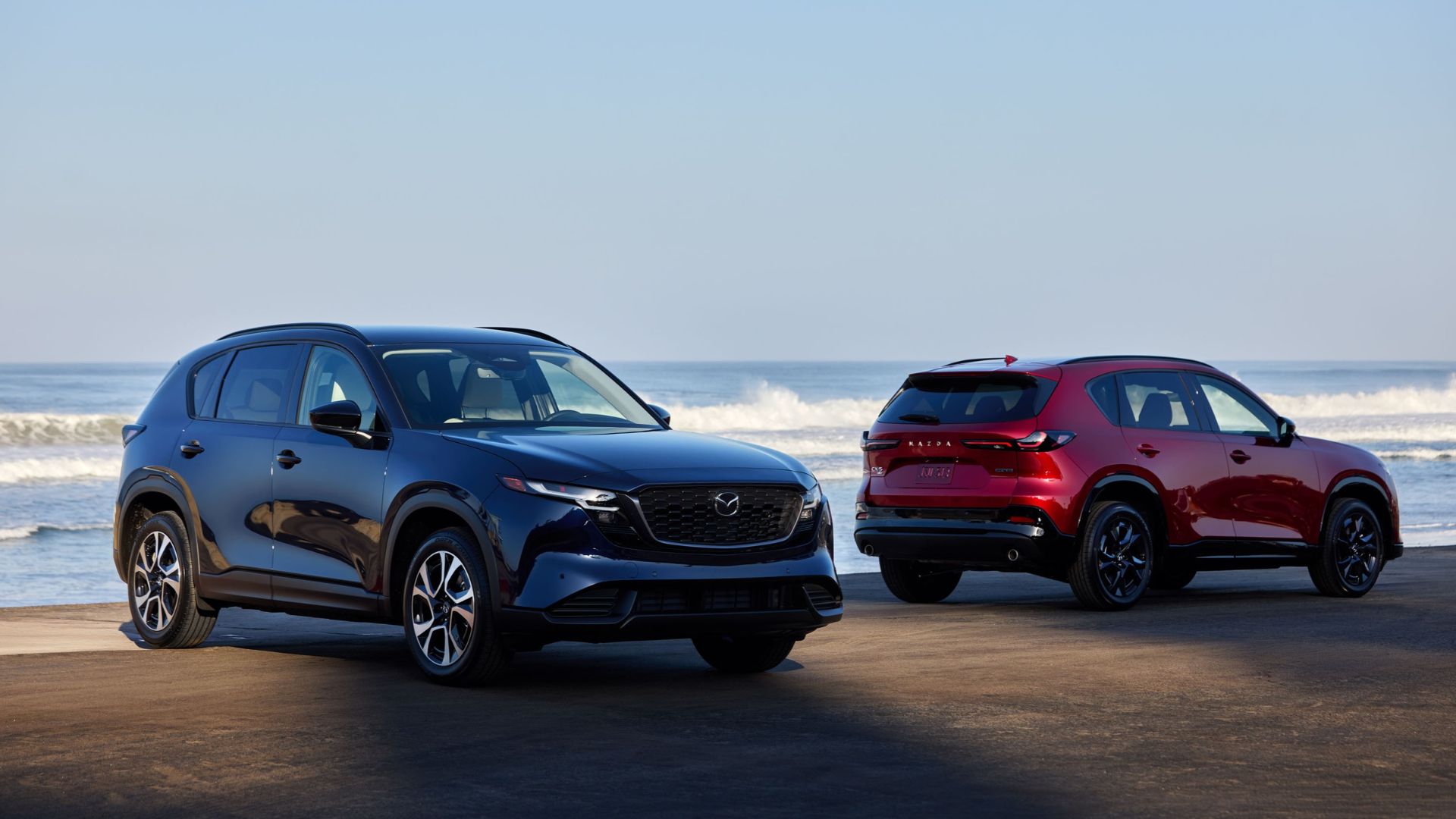
Understanding what your Mazda can warn you about, and when it can help with braking or steering, makes everyday driving more familiar. At Wellesley Mazda, part of our parent dealer group, Shaker Auto Group, we help shoppers connect those functions to the vehicles they are considering. Whether you drive around Wellesley or commute toward Boston, the useful questions are straightforward: What comes on this trim, how does it work, and when do you need to take over?
Key Takeaways
- Warning systems alert the driver, while some equipped systems can also apply braking or steering assistance.
- Standard equipment and additional functions differ by model year and trim.
- Weather, visibility, and lane markings can affect driver-assistance operation.
- Controls and available settings vary across Mazda vehicles.
Which Features Warn You, and Which Can Intervene?
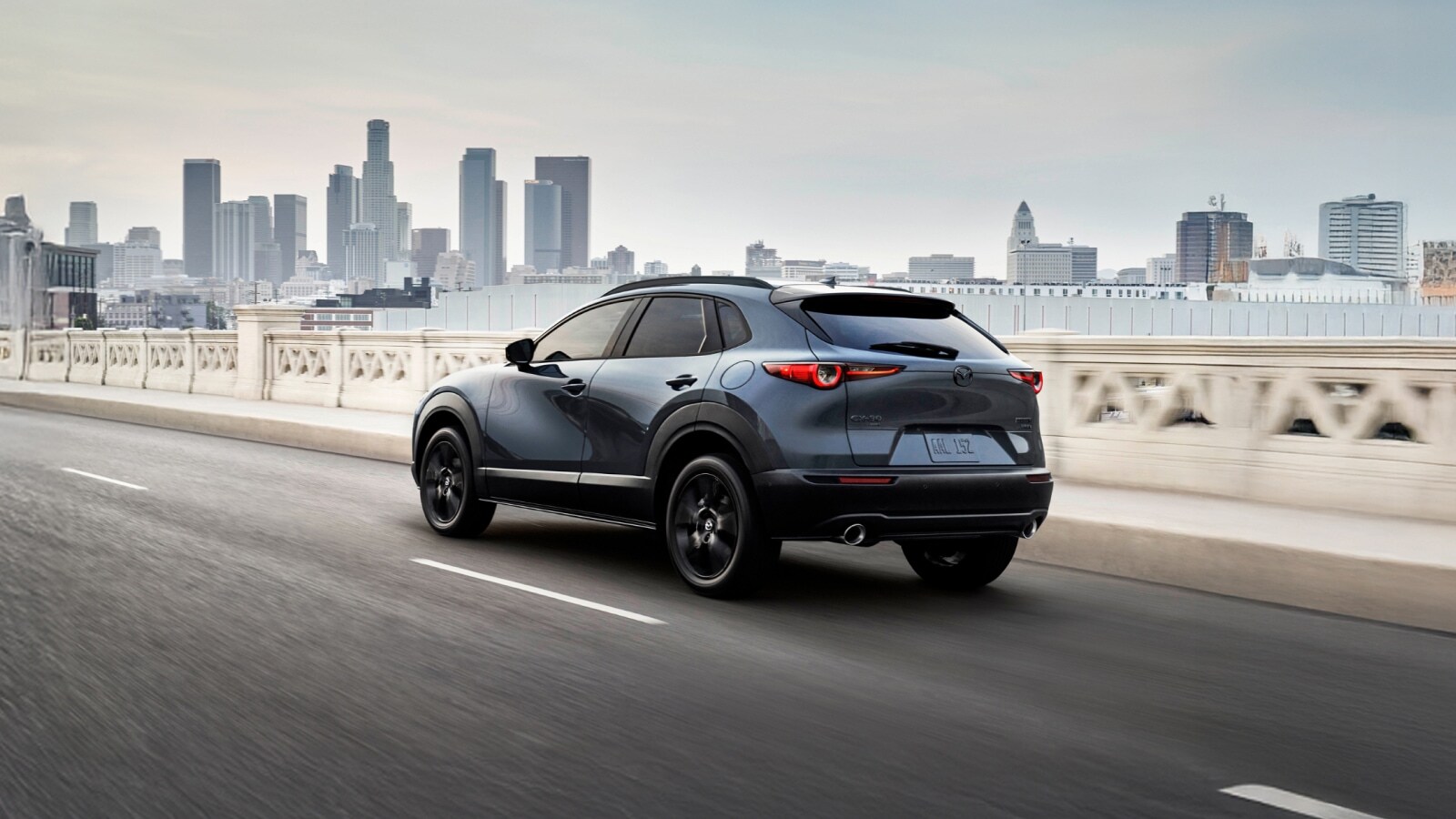
Blind Spot Monitoring, Mazda’s system for alerting you to detected vehicles in adjacent blind spots, provides warnings rather than steering the vehicle for you. Rear Cross Traffic Alert, which warns about detected traffic approaching from either side while you reverse, also calls your attention to a potential conflict. When comparing a Mazda3 with a CX-30, ask us to demonstrate the equipped alerts and explain what each indication means.
Lane Departure Warning System, which alerts you when the vehicle detects an unintended departure from its lane, serves a different purpose from Lane-keep Assist System, which can provide momentary steering assistance. Smart Brake Support, Mazda’s collision-warning and automatic-braking system, can warn of a detected collision risk and apply braking under specified conditions. These functions support your driving, but you remain responsible for steering, braking, and checking your surroundings.
For anyone researching Mazda safety features for family vehicle shopping, that distinction helps organize the comparison. Start with the situations you want help noticing, such as approaching traffic while reversing, then identify whether the equipped vehicle provides an alert or can also intervene.
Standard Equipment and Trim Differences
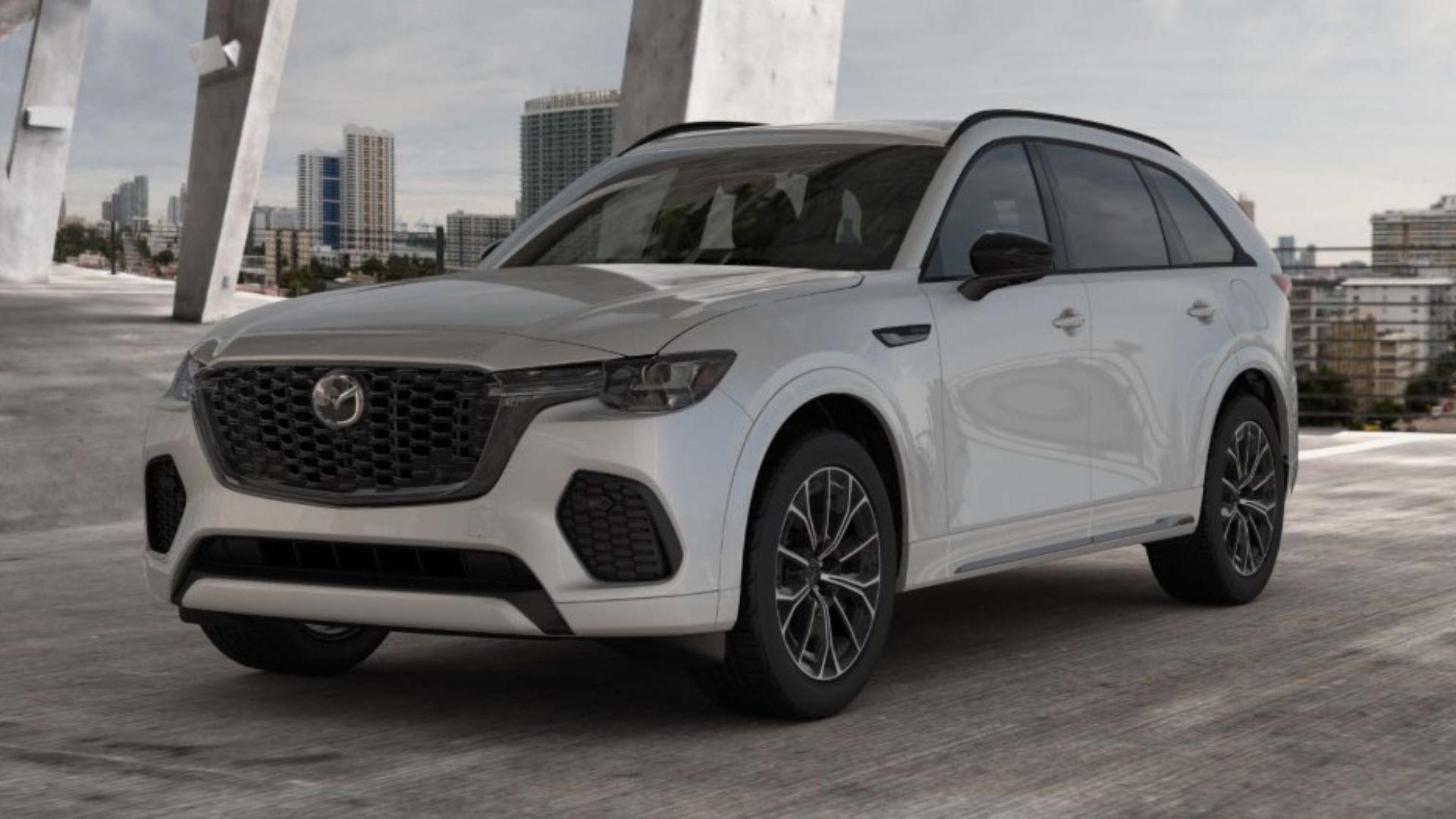
The CX-50 2.5 S Select includes Smart Brake Support with pedestrian detection, Blind Spot Monitoring, Rear Cross Traffic Alert, and Lane Departure Warning System as standard equipment. Moving to the 2.5 S Preferred adds front and rear parking sensors, which help indicate nearby obstacles during low-speed maneuvering. That is a specific equipment difference you can compare before choosing between those trims.
The CX-50 2.5 Turbo Premium Plus adds more specialized functions. Traffic Jam Assist, which combines following-distance control with steering assistance under specified conditions, is included on that trim. So is the 360° View Monitor with See-Through View, which provides camera views to help you see around the vehicle while maneuvering. Those additions make this trim worth comparing if parking visibility and supported driving in traffic are priorities.
Start each comparison with the vehicle’s model year, full trim name, and installed equipment, then compare the functions you expect to use. When shopping for a CX-70 or CX-90, use the same approach rather than assuming similarly named trims have identical equipment.
You can browse our current selection at Wellesley Mazda to narrow your comparison to vehicles equipped with the functions you want.
Cruise Control During Wellesley-Area Commuting
Mazda Radar Cruise Control with Stop & Go, which adjusts vehicle speed to help maintain a selected following distance from detected traffic ahead, can assist with acceleration and braking within its operating conditions. It is different from conventional cruise control, which primarily maintains a selected speed. The CX-50 2.5 S Premium includes Mazda Radar Cruise Control with Stop & Go.
When discussing adaptive cruise control in congested commuting, we explain both the assistance and the driver’s job. A vehicle cutting into your lane or braking suddenly may require you to brake immediately. Stop-and-resume procedures also deserve a demonstration because the actions required after a stop depend on the equipped system.
For a commute from Needham, ask us to show you how to select following distance, recognize a detected vehicle ahead, and cancel assistance. Learning those controls is more useful than expecting Mazda Radar Cruise Control with Stop & Go to handle every change in traffic.
Weather, Road Markings, and Operating Limits
Snow, heavy rain, dirty sensor areas, and difficult-to-see lane markings can reduce the assistance available to you. Lane-keep Assist System depends on recognizing lane markings, while Mazda Radar Cruise Control with Stop & Go can be affected when its sensors cannot reliably detect traffic ahead.
That matters during winter driving around Wellesley and on roads where markings become obscured. A warning that assistance is unavailable means you need to drive without relying on that function. Keep the relevant camera and sensor areas clear as directed in the vehicle’s owner’s manual.
Operating limits also differ by function. Smart Brake Support’s forward-detection capabilities should not be treated as proof that a vehicle has rearward or crossing-traffic braking functions. For example, the CX-50 2.5 Turbo Premium Plus specifically adds Rear Smart Brake Support, which can apply braking when a rearward collision risk is detected under its operating conditions.
Controls and Settings Across Mazda Models
Available settings can include warning types, following distance, and whether particular assistance functions are enabled. Mazda Connect, Mazda’s infotainment interface, provides access to driver-assistance settings on equipped vehicles, including controls for Lane Departure Warning System, Lane-keep Assist System, and Smart Brake Support. The available choices depend on vehicle specification.
If you are moving from a Mazda3 to a CX-90, have us walk through the actual vehicle rather than relying on a familiar screen layout. We can explain which controls are on the steering wheel, which functions appear in the settings menu, and what the instrument-panel indicators mean.
Before a drive toward Newton, get comfortable with the controls while parked. Follow the vehicle-specific instructions for changing settings, and never create a traffic situation to test an intervention.
Understanding IIHS Ratings When Comparing Vehicles
IIHS ratings help you compare tested crash protection and crash-avoidance performance for a specific vehicle and model year. The Insurance Institute for Highway Safety evaluates areas including front and side crash protection, headlights, and front crash prevention. Its testing program changes over time, so the year and test version matter when comparing results.
When interpreting IIHS ratings when comparing Mazdas, match each result to the vehicle you are shopping for. A CX-30 and CX-50 should each be evaluated using their applicable ratings, including any equipment or production-date qualifications. Read the individual results alongside the award designation to understand what was evaluated.
Find Your Next Mazda in Wellesley
Visit Wellesley Mazda in Wellesley, part of the Shaker Auto Group, to test drive an available Mazda from our current selection. We can walk you through the equipped controls and alerts so you can get comfortable with the vehicle before choosing your next model.
*Penned by AI, polished by humans
